
Organize your files with private, on-device AI
AI that runs on your Mac, learns your preferences, and gets smarter every time you use it. No cloud. No tracking.
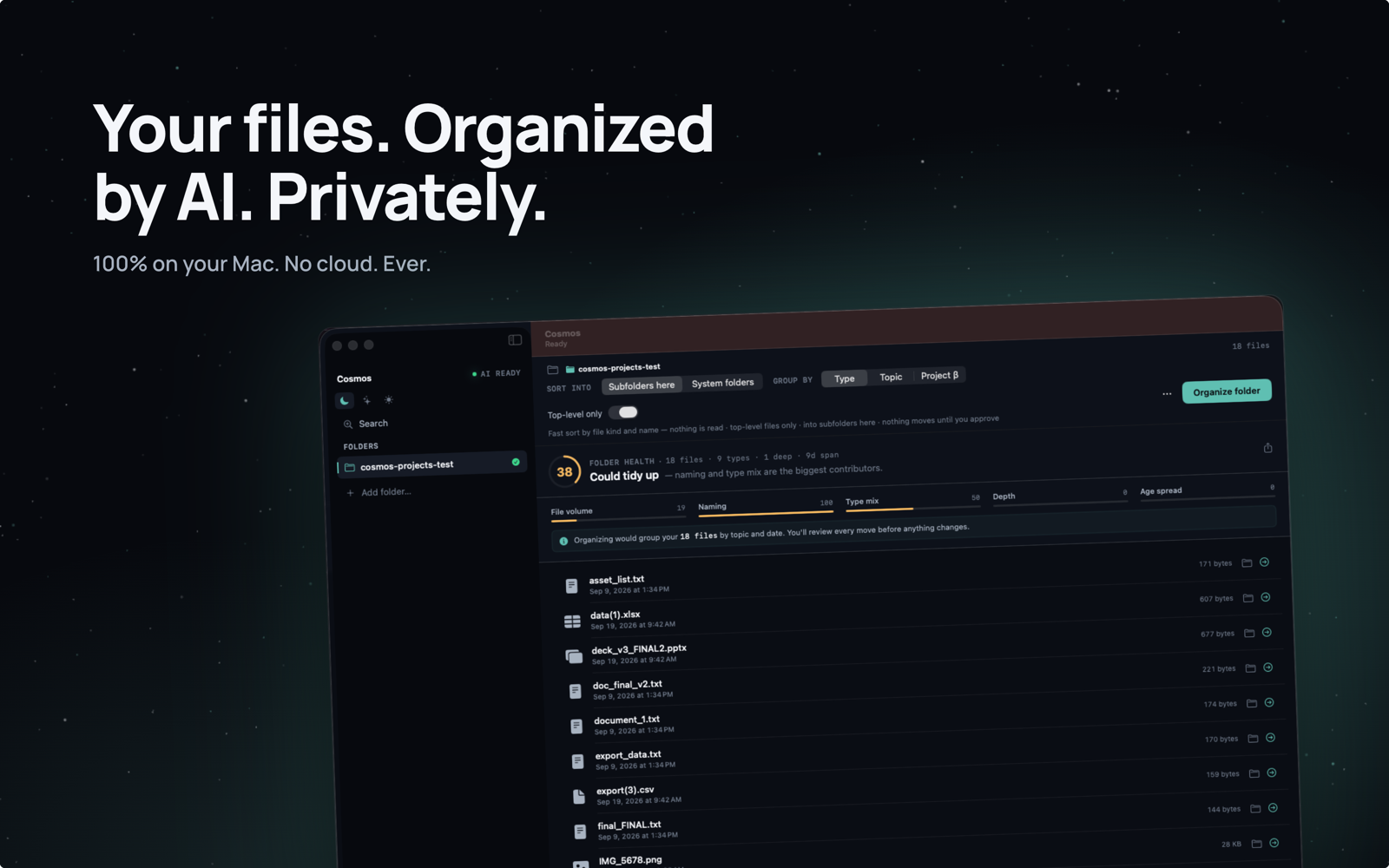
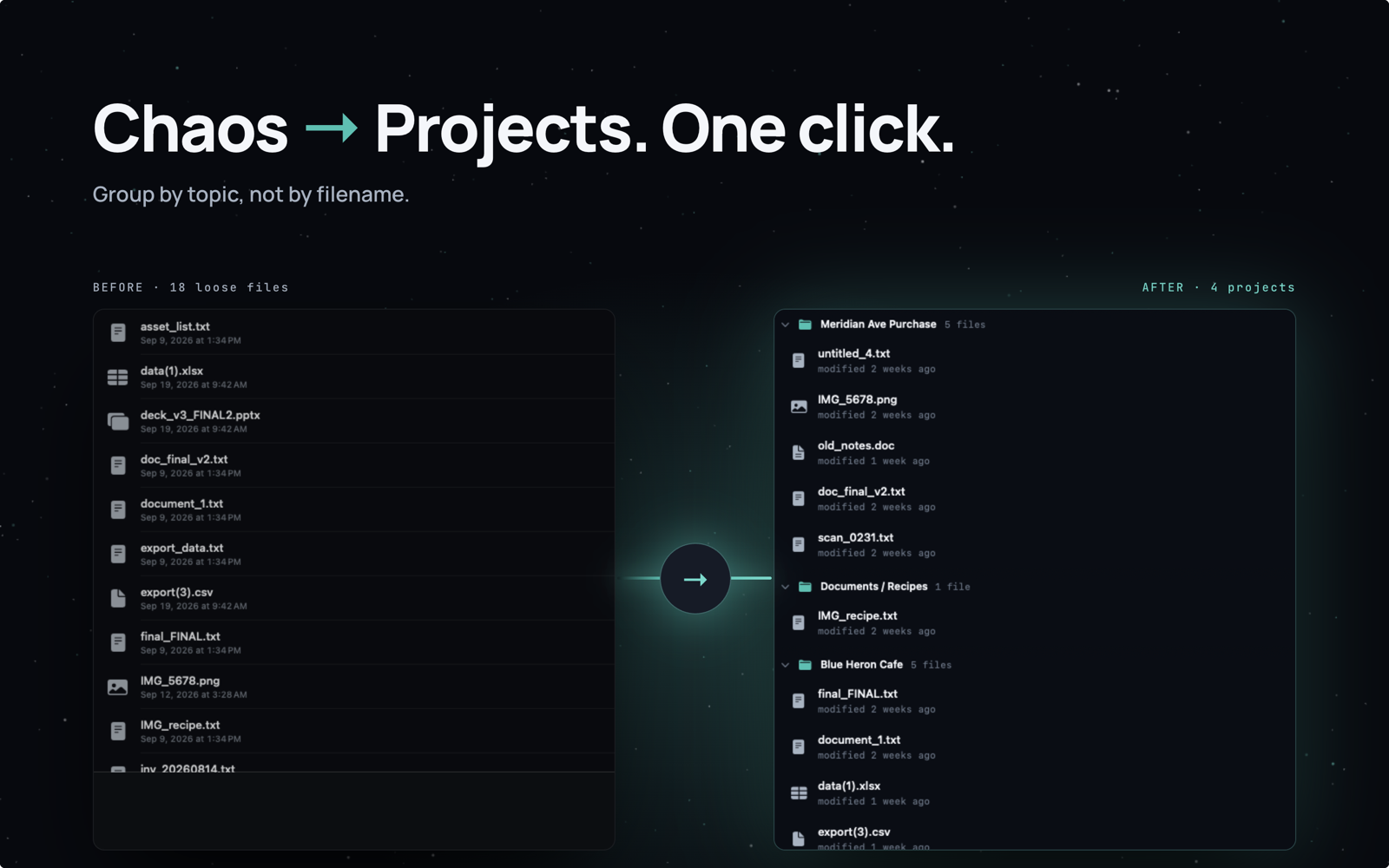
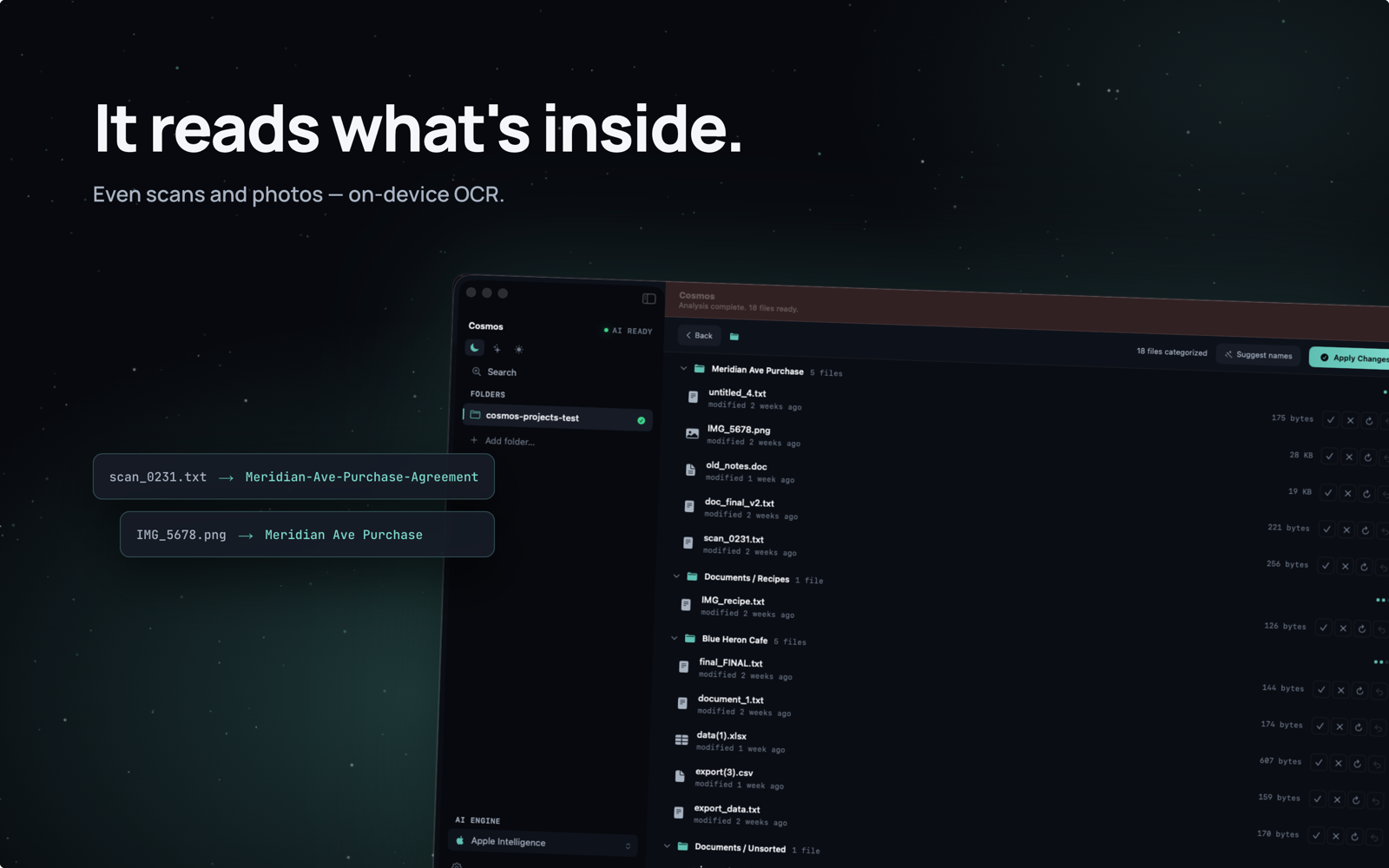
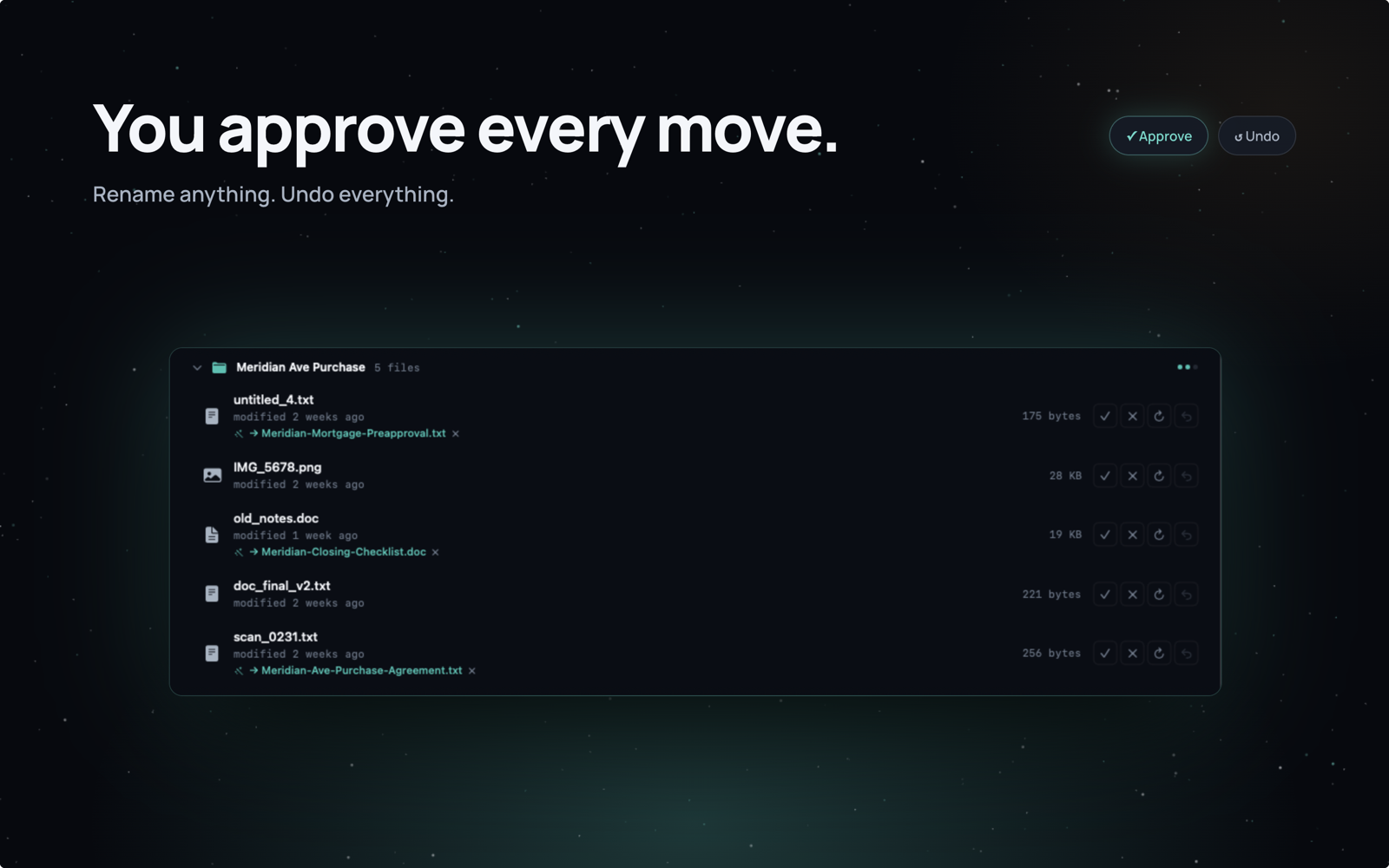
AI that runs on your Mac, learns your preferences, and gets smarter every time you use it. No cloud. No tracking.
How It Works
No configuration. No rules to learn. Just point, click, and organize.
Pick any cluttered folder on your Mac — Downloads, Desktop, wherever the mess lives.
Cosmos analyzes your files using on-device AI and suggests the perfect organization.
Accept, reject, or adjust suggestions. Apply with one click. Undo anytime.
Features
The big stories are in the slides above — here’s what else matters.
Cluster creates organized subfolders within your selected folder — perfect for cleaning up Downloads. Constellation distributes files to your Mac's native folders like Documents, Pictures, and Music. Pick the mode that matches how you think about your files.
Every folder gets a Folder Health score across five dimensions — file volume, naming, type mix, depth, and age spread — so you can see at a glance what needs tidying and what’s already fine.
And the rest of the toolbox
Hunts down receipts & invoices and files them by year and month. Deterministic — no guesswork.
New arrivals get noticed the moment they land in a watched folder.
Hard rules the AI always obeys: “screenshots go here, PDFs from the bank go there.”
Don’t like a proposed folder name? Rename it before anything moves.
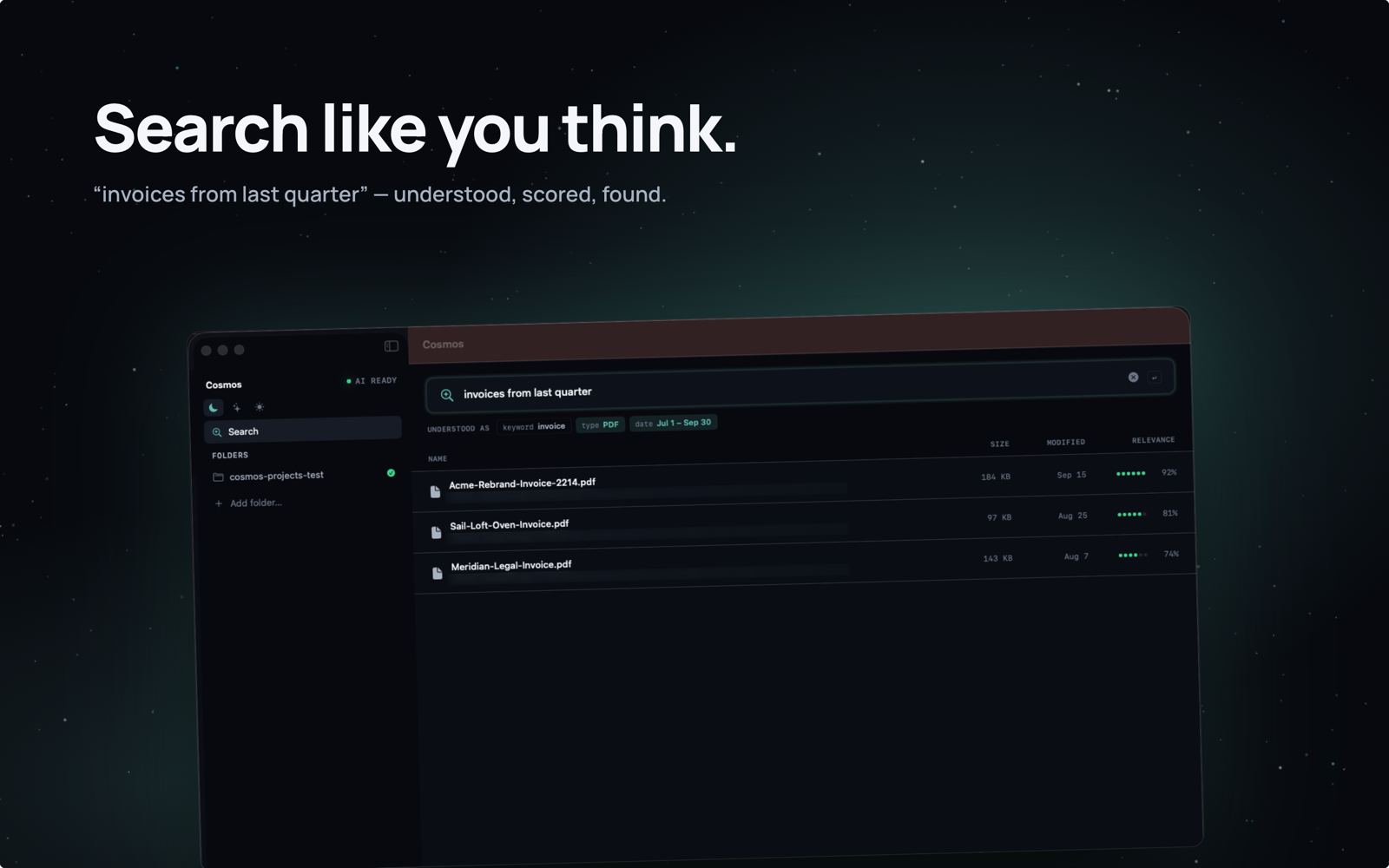
Search across Downloads, Desktop, Documents — every folder you add.
Watch organizing progress without keeping the window up.
Dark, Cosmos, and Light — the whole app, not just a toggle.
Review first, apply second, undo always. Search organizing copies — never moves.
Adaptive Intelligence
Most AI tools treat every user the same. Cosmos is different. It starts smart, but becomes yours.
Every time you accept or reject a suggestion, Cosmos remembers. Reject a suggestion? It won't make that mistake again. Prefer invoices in "Billing" instead of "Finance"? It picks that up. Over time, Cosmos builds a personalized understanding of how you think about your files.
The more you use it, the more it feels like your own personal assistant — one that knows exactly where everything should go.
Privacy
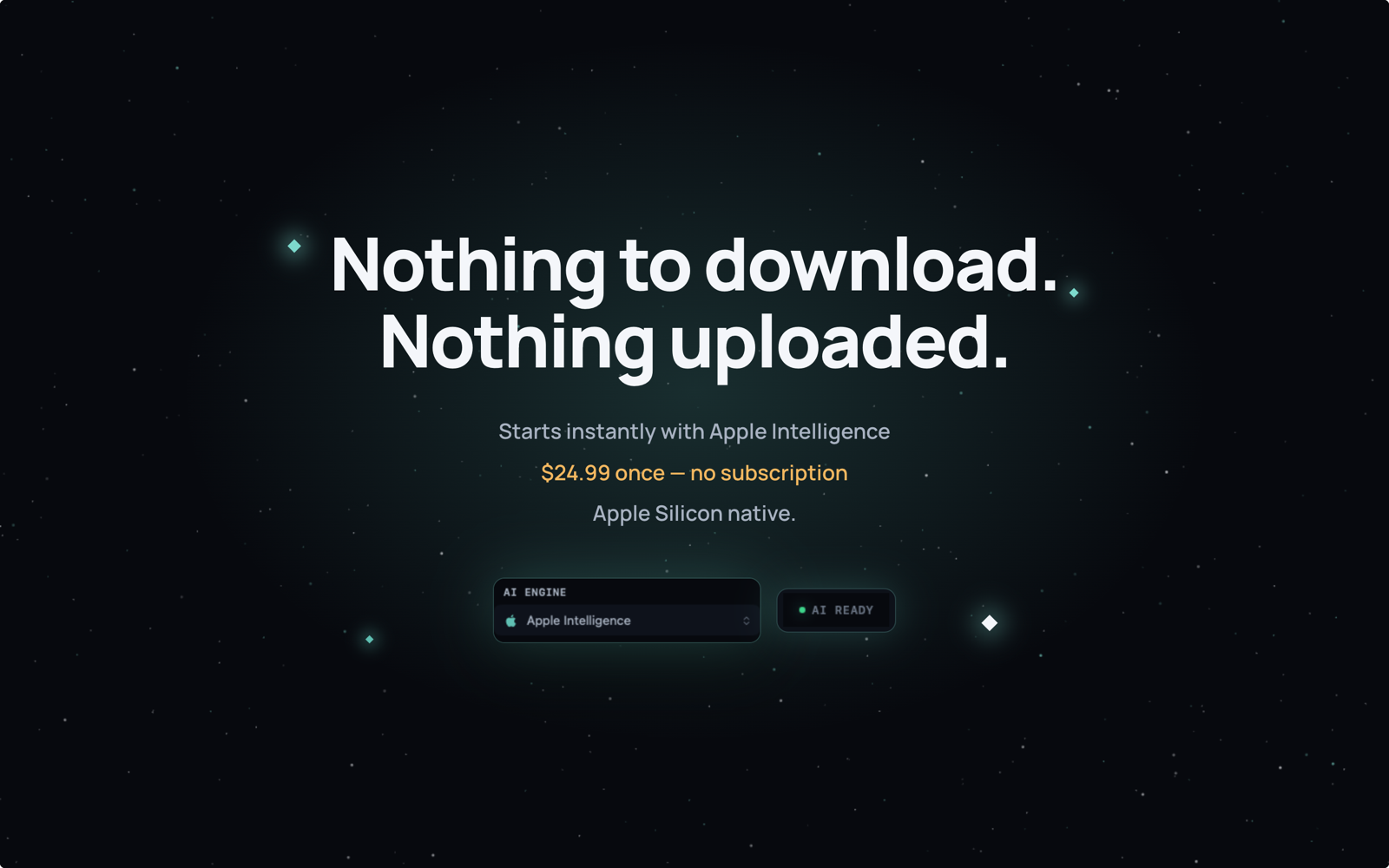
Unlike cloud-based organizers, Cosmos never uploads your files or file names anywhere.
The AI model downloads once and runs locally forever.
Read our full privacy policy →“I’ve used other file organizers before that ended up making more of a mess than they fixed, but this one actually delivered. It sorted most of my files perfectly right out of the gate… the UI is clean and minimalist.”— _hhem, Mac App Store review
Pricing
One-time purchase. No subscription. Yours forever.
FAQ
No. Cosmos runs 100% on your Mac. The AI model downloads once and runs locally using Apple Silicon's Neural Engine. No file names, contents, or metadata ever leave your device. There is no cloud component whatsoever.
Cosmos requires macOS 14 (Sonoma) or later and an Apple Silicon Mac (M1, M2, M3, or M4). The AI model requires approximately 2-4 GB of storage space.
Cluster creates organized subfolders within your selected folder — great for cleaning up Downloads or any single messy folder. Constellation distributes files to your Mac's native folders like Documents, Pictures, Music, and more — ideal for sorting files into where they naturally belong.
You always review suggestions before they're applied. Reject any suggestion you don't agree with, and Cosmos learns from your feedback to avoid similar mistakes in the future. And if you've already applied changes, one-click undo restores everything to its original location instantly.
Every time you accept or reject a file suggestion, Cosmos stores that preference locally on your device. Over time, it builds a personalized understanding of how you organize files. The more you use it, the more accurate its suggestions become. No two users' Cosmos works the same way.
No. Cosmos is a one-time purchase at $24.99. You pay once and own it forever, including all future updates. No recurring charges, no hidden fees.
Hazel is a powerful rule-based automation tool with a steep learning curve. Cosmos uses AI to automatically understand and categorize your files — no rules to configure. Just select a folder and let the AI do the work. Cosmos also learns from your choices and adapts over time, getting more personalized with every use.